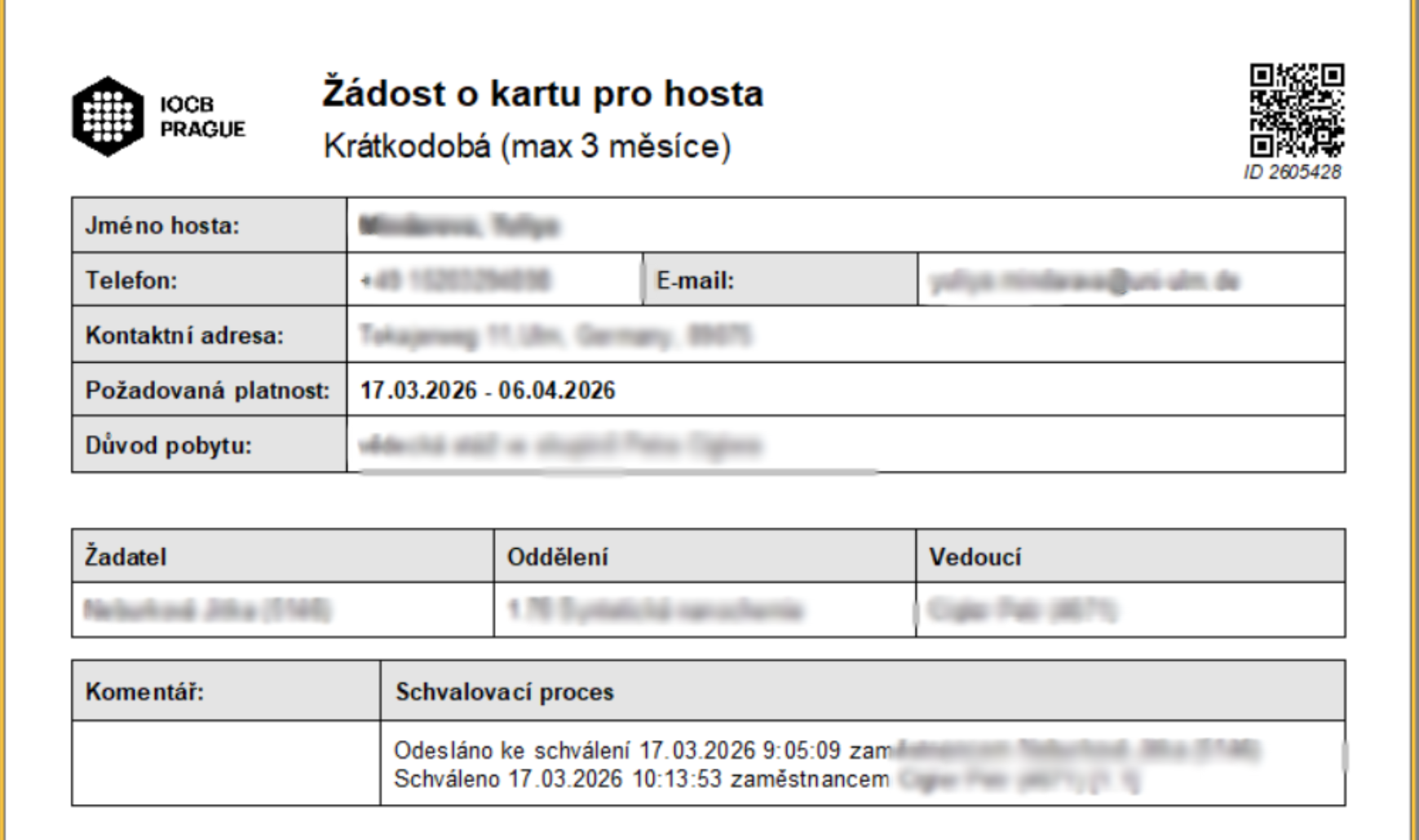
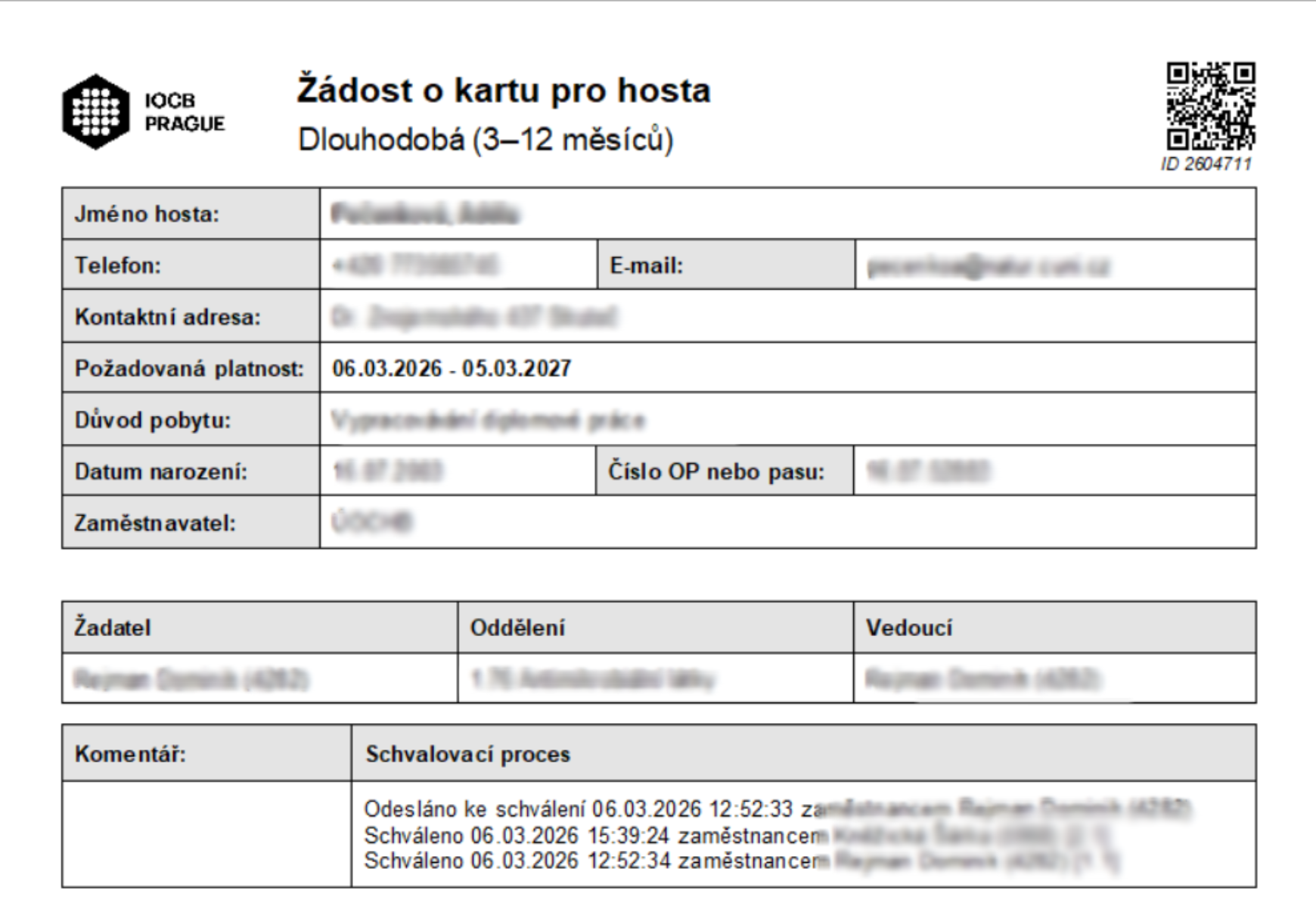
CONTENT
- 1. Creating a request
- 2. Information for the guest to accept the card
- 3. Request to Extend a Long-Term Guest Card
- Save the form in PDF format
- Tutorials on other possible request settings
1. Creating a request
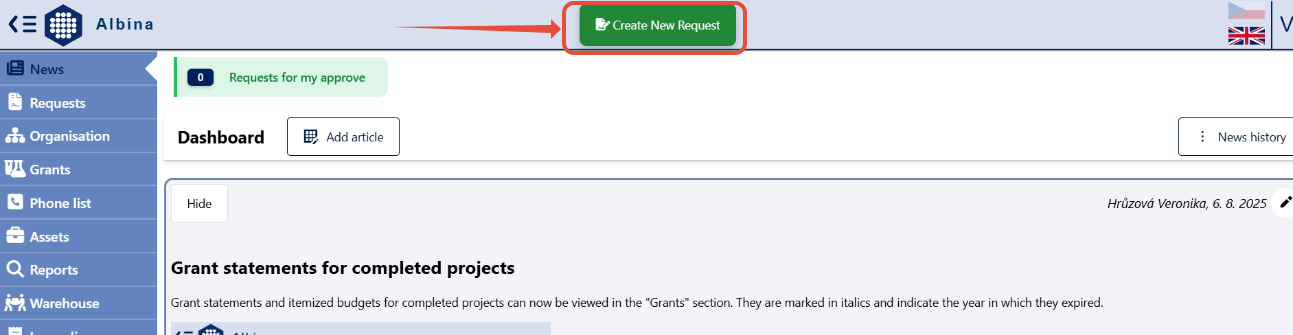
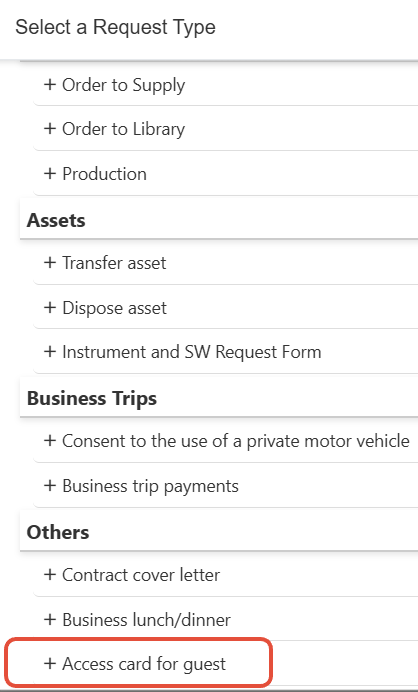
The form will appear after clicking on "Create New Request" in the Albína header and selecting the type of request -> Access card for guest
The validity period and the guest’s first and last name are mandatory fields and must be completed before clicking “+ Create request.”
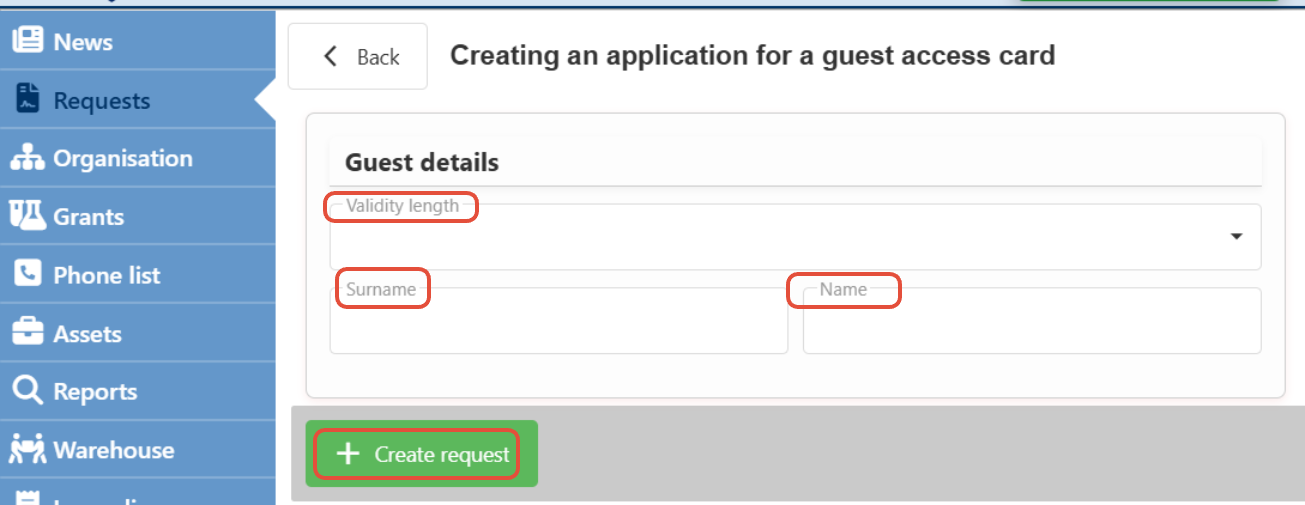
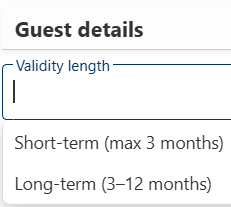
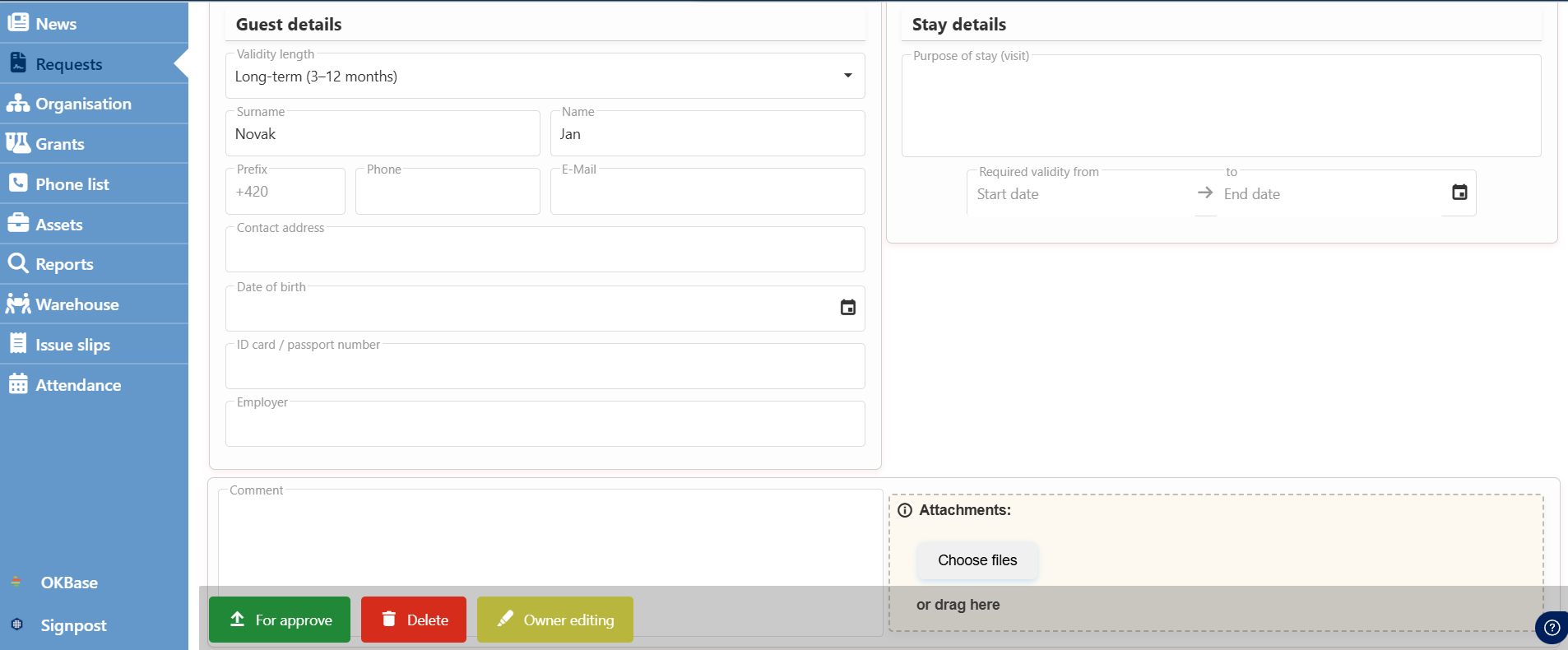
The required guest details and stay details must be filled in, attachments or comments can then be added to the request, and it can be submitted for approval.
2. Information for the guest to accept the card
Once the request has been approved by the requestor's department head, detailed information about picking up the access card will be sent to the email provided in the request.
3. Request to Extend a Long-Term Guest Card
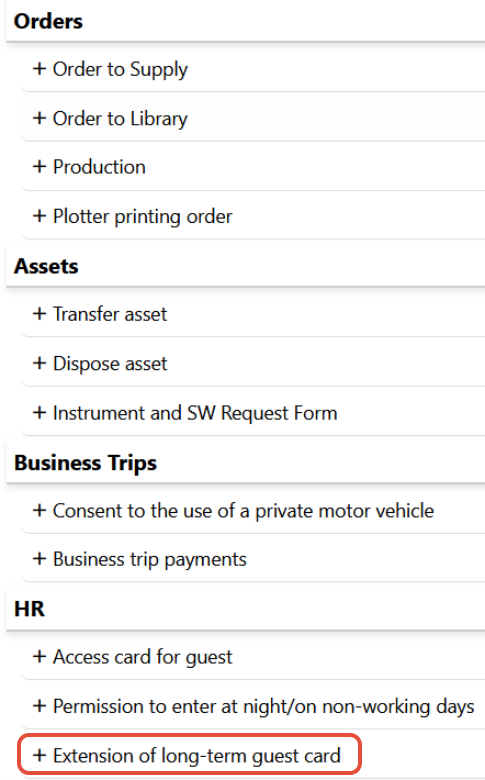
The form will appear after clicking on "Create New Request" in the Albína header and selecting the type of request -> Extension of long-term guest card.
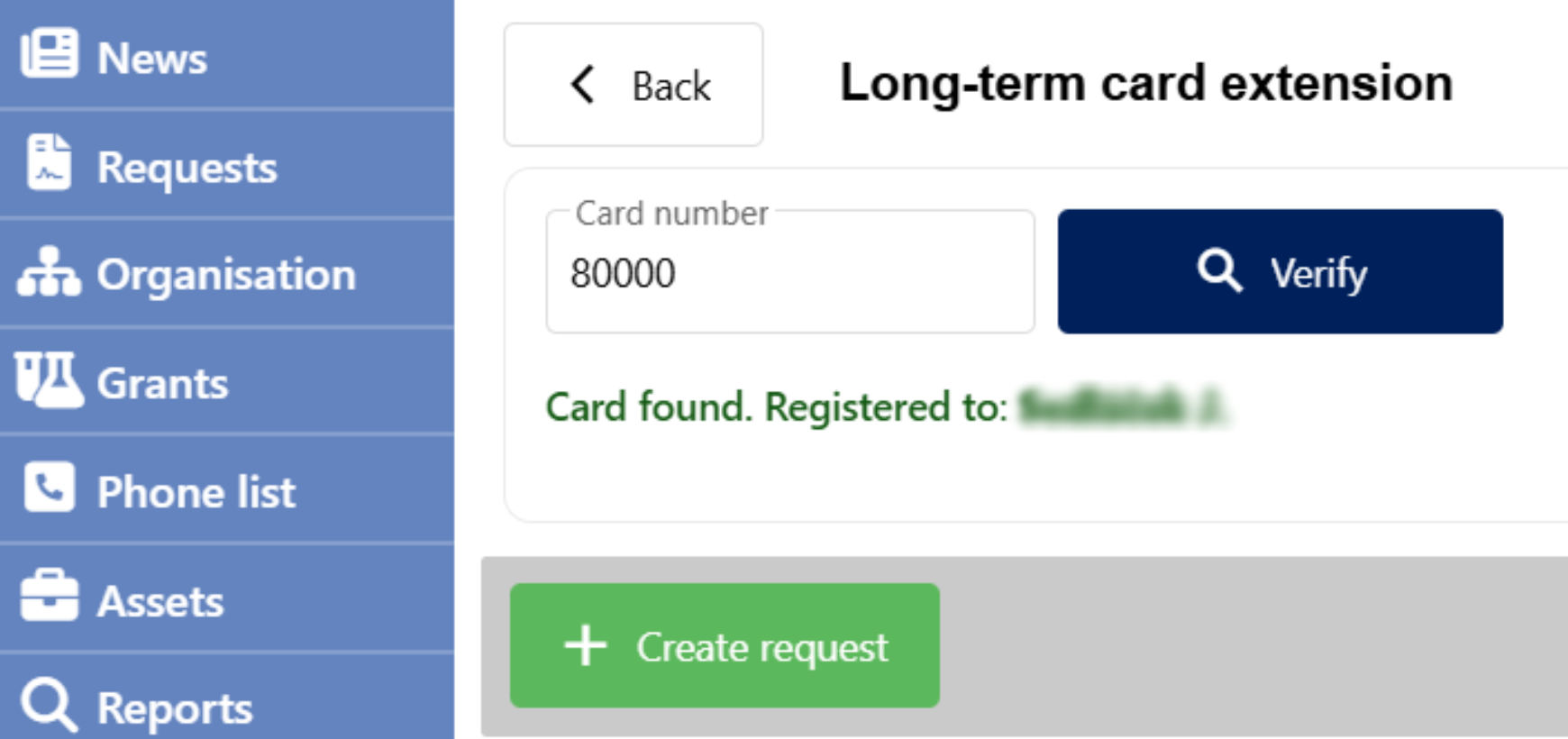
Enter the card number and click +Create request. Then check and, if necessary, add the guest’s email address, the reason for the extension, and the extension period, and submit for approval.
The card can be extended for 3 to 12 months.
Save the form in PDF format
The form can be saved in PDF format by clicking the "Export to PDF" button found in the Request Detail (after opening the request in the employee's request list).